🚧 This site is a still a work in progress! 🚧

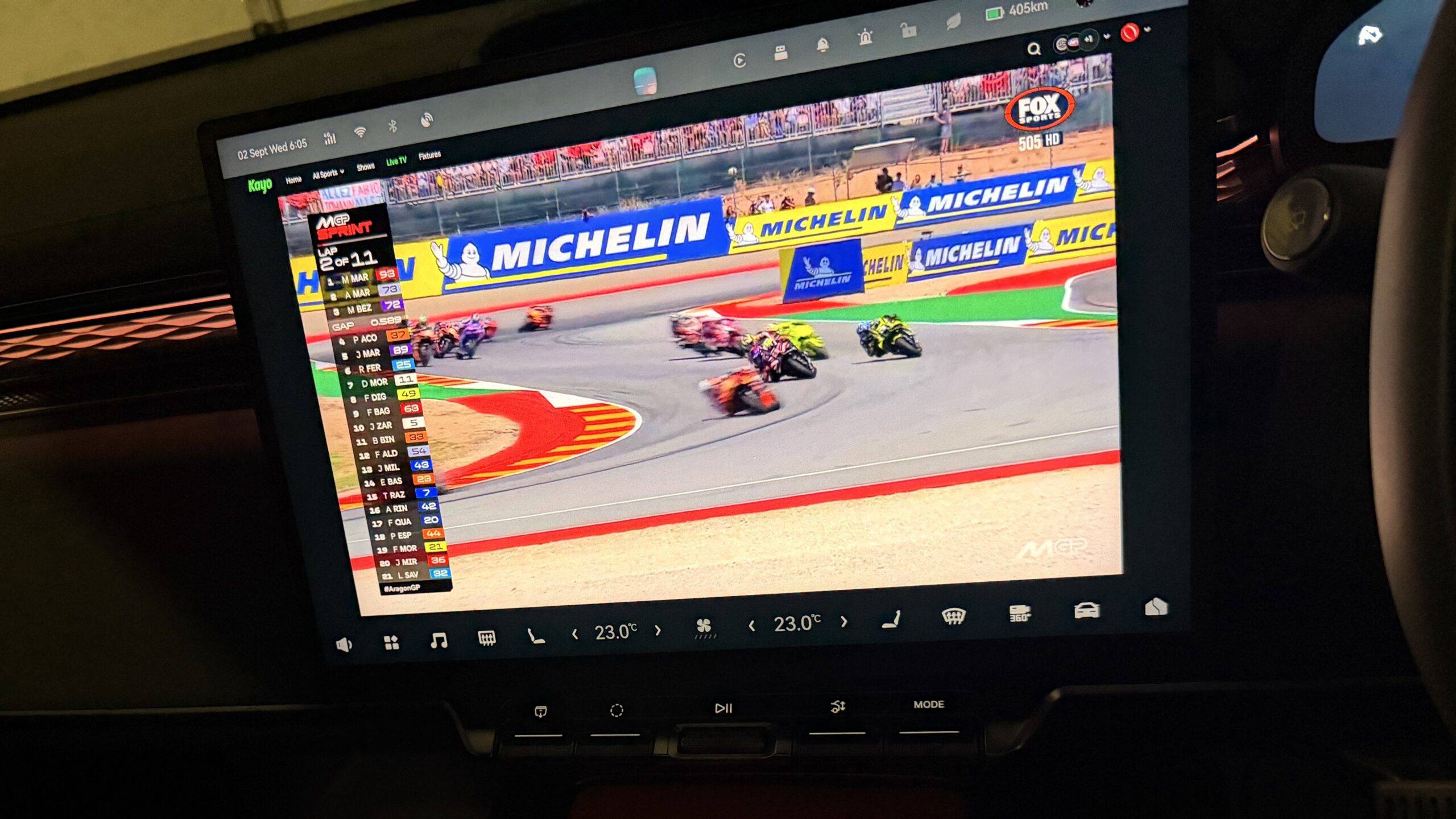

That massive 16-inch screen in the 7X is practically tailor-made for catching a game while you’re parked at a fast charger, so it’s a bit of a letdown when sideloading the native Kayo app immediately hits a wall. The car’s tech is brilliant – but this really just comes down to Kayo being notoriously strict about where and how its app runs. And this goes for any app that utilises the same checks.
The good news? We can still make Kayo work!
You don’t need to spend hours trying to hack the app to make it work. Here is a quick look at why the native app digs its heels in, and how a simple browser setup gets the footy playing seamlessly on the huge display.
Kayo’s Play Integrity Lockdown
Kayo isn’t just checking if you’re on Android; I believe it relies heavily on Google’s Play Integrity API. The second you launch the app, it checks a few things in the background:
- Play Store Install Token: It specifically asks Play Services if the app was downloaded directly off the official Google Play Store. Sideloading an APK gives it a different installer tag, so Kayo instantly flags it and refuses to run.
- Hardware Attestation: It pings Google’s servers to check if the OS is a Google-certified build with a locked bootloader. Automotive setups and custom Android builds used in EVs just don’t have this official certification. (AppLab is essentially a walled garden for native Android apps)
- Cryptographic Signatures: Kayo demands a server-side check directly with Google. Because there are no official Google servers signing off on the car’s software, the app blocks the stream.
If any of these checks fail then you’re met with an “unable to connect” screen.
(Misleading, but it is what it is)
MicroG Isn’t Broken – It’s Saving Your Data
It’s easy to blame MicroG when an app refuses to launch, but MicroG failing a strict Play Integrity check is actually working as intended.
Like many EV makers originating from China, Zeekr builds its infotainment OS on Android Automotive (AOSP) – Yes, the open-source foundation of Android. Because Google Services are blocked in mainland China, the base OS was never designed around Google’s proprietary ecosystem. When exporting to international markets, automakers face a choice: pay heavy licensing fees and hand over deep system-level vehicle telemetry to Google for full GAS (Google Automotive Services) certification, or adapt their existing build.
Zeekr chose the lighter, more private route.
MicroG exists so you don’t have Google constantly running background telemetry, tracking your location, and logging data on your device. By incorporating MicroG into this setup, it gives the system just enough of a mocked Google framework to let everyday apps function (handling basic location APIs, push notifications, and map rendering) without sending background tracking back to Google.
It can’t, and shouldn’t – fake hardware-level cryptographic keys to fool Play Integrity. For an EV where your car is constantly processing location data and driving habits locally, having a lightweight, stripped-back framework like MicroG is a massive win for privacy anyway.
The Fix: Just Use Chrome
You can’t use the native app, but you don’t need to. Kayo’s site doesn’t care about Play Integrity or whether you installed an app from the Play Store—it only cares about Widevine DRM.
Since Chrome has Widevine support baked straight into the browser, all you need to do is sideload Chrome itself onto the car’s system. Once installed, it completely bypasses Kayo’s app restrictions:
- It skips the app checks: Web browsers don’t query Google’s device attestation APIs just to load a website.
- DRM just works: Widevine handles the stream encryption natively inside the Chrome session, meaning Kayo lets the video play without chucking a hissy fit.
How to get it running:
- Download the Chrome APK and sideload Chrome onto the Zeekr system. (There are plenty of other guides online on how to do this)
- Fire up your newly sideloaded Chrome on the center screen.
- Head over to the Kayo site, log in, and bookmark it for quick access.
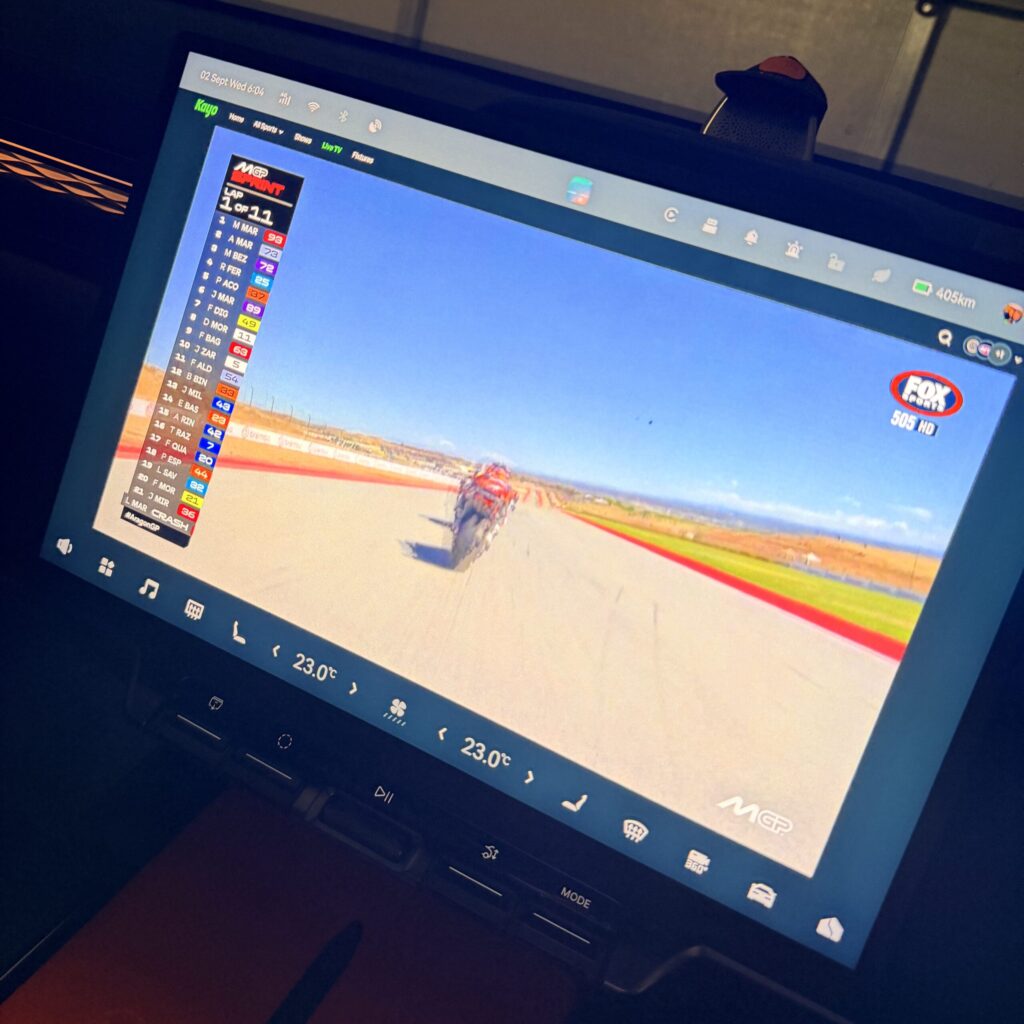
- Pick a live game or replay to test it out.
That’s it, you’re good to go.