🚧 This site is a still a work in progress! 🚧

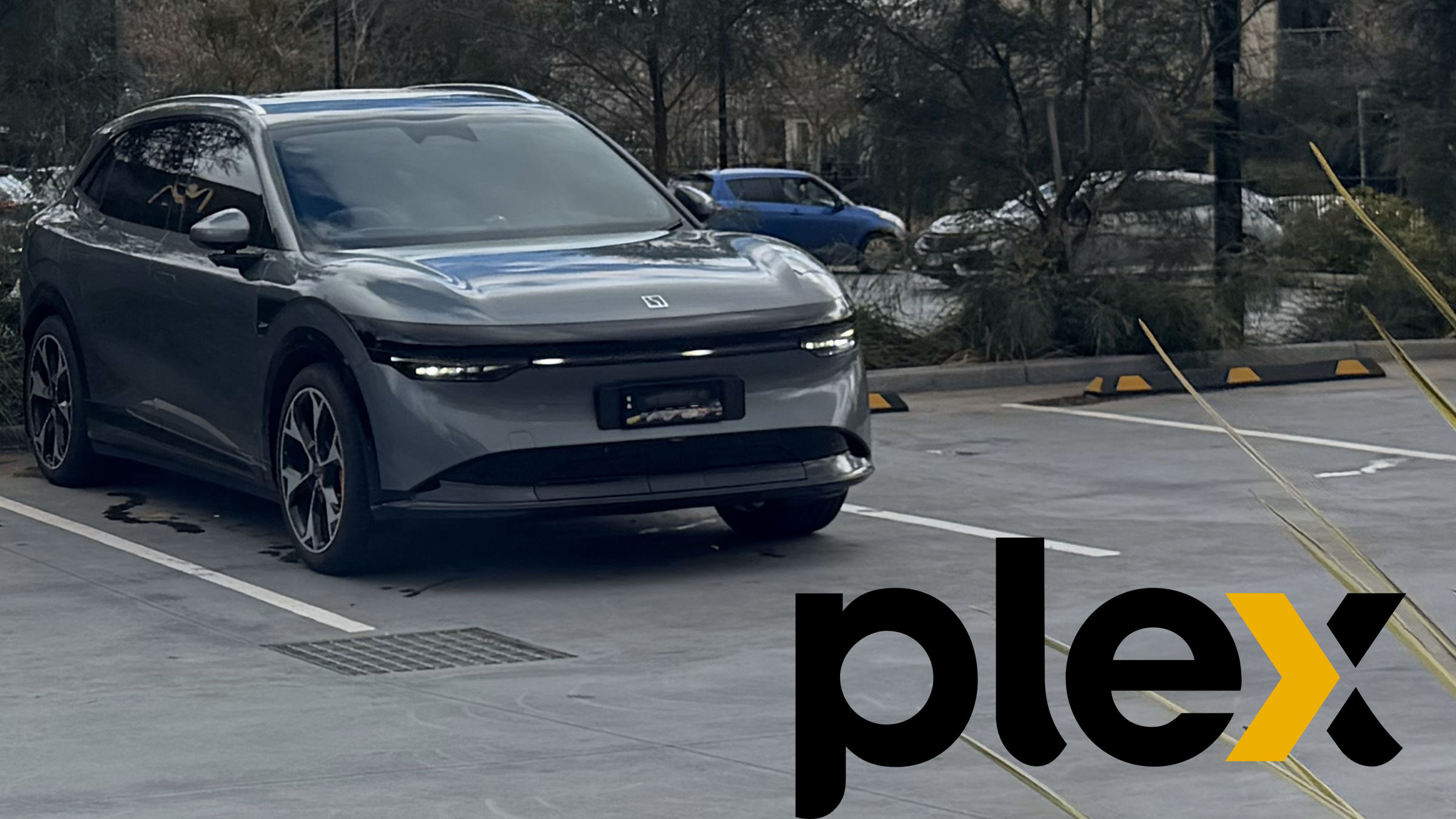

After spending some time tinkering with my Zeekr 7X, I stumbled across a pretty massive discovery: a workaround to sideload standard Android APKs directly onto the car’s infotainment system.
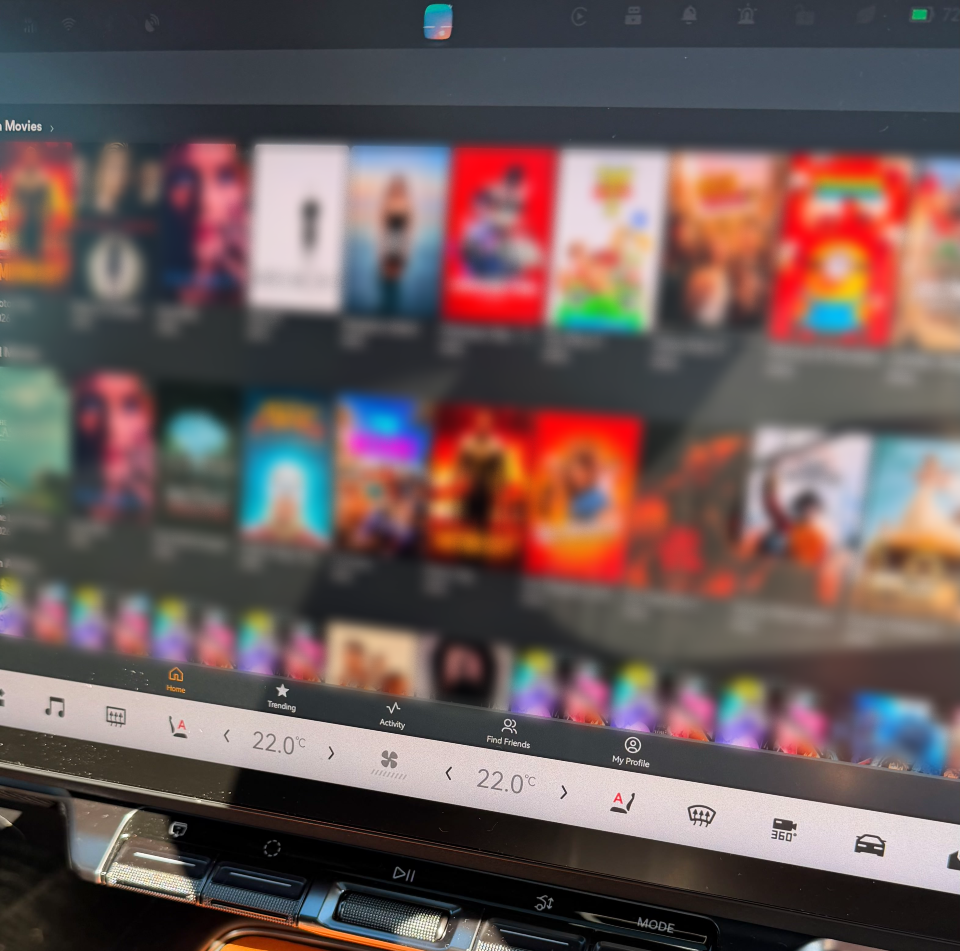
Naturally, the first thing I tested was Plex. The installation was a little bit tedious due to the nature of the workaround, but logging in was seamless, and the playback experience blown me completely away.
The Audio & Visual Experience
I fired up the iconic race scene from Ready Player One using a high-bitrate file featuring a full Dolby Atmos track. The performance exceeded every expectation:
- 7.1 Dolby Atmos Surround Sound: Fully functional. The spatial audio imaging inside the cabin is unreal.
- Accurate Bass: Punchy, tight, and surprisingly well-calibrated without muddying the mid-range.
- Screen Quality: Crisp, vibrant, and incredibly immersive for media consumption.
Zeekr deserves serious credit for how they engineered this audio system. Movies look and sound better in this cabin than in most living rooms.
Safety & The Case for Native Support
Because sideloading exists in a bit of a gray area, I’m still debating whether to post a step-by-step tutorial. However, I strongly believe Zeekr should offer Plex as a native app in their official store.
The system automatically restricts playback while the vehicle is in motion which is a crucial safety feature, as video playback while driving would be a major hazard while in view of the driver. Having access to high-fidelity media exclusively while parked, waiting for a charge, or passing time makes it the ultimate passenger-mode upgrade.
What’s Next?
I plan to run deeper technical tests soon to measure exact channel mapping support and pinpoint which specific HDR standards (HDR10, Dolby Vision) the primary display can process natively. Stay tuned!





Hey Mate
What’s version of plex did you get working? I’ve tried a few but most don’t load the video and I’m just in a constant load reboot loop.
The version I am using is 10.28.0.3441 and needs to be for arm64-v8a
Plex makes the apk files available on their blog, but I believe I used apkcube.com for this one.
I’m working on getting Kayo working currently.
Nice, I might try with that version. I had 10.30….. and it was erroring. Have deleted applab and I’ll start again. Good luck with Kayo, I know a lot of people want that.
I got Kayo working but it isn’t with the native app. Will put up a guide soon, but the quick unedited version is to use Chrome.
Native app will not work as it has too many checks for Play Store etc. And will error out with “no connection”
Ah nice. I was using the web browser for Plex, won’t bother with Kayo as I’m not a sports ball kinda guy. Will stick with sailing the seven seas 😉